
Families and consent
Record that a family has been told and has agreed, then invite them to their own child's record.
A family sees their own child's record the same day it is written, and nobody else's. Before that can happen, two things must be true: the head has turned on the family view for the school, and consent is on file for the child. Both are written down.
Record consent
On the child's page, the Family section. Consent means the family has been told what is recorded and who sees it, and has agreed.
- How the family was told and agreed: a signed form, a meeting, a letter.
- On: the date.
- Record consent. It is written with your name.
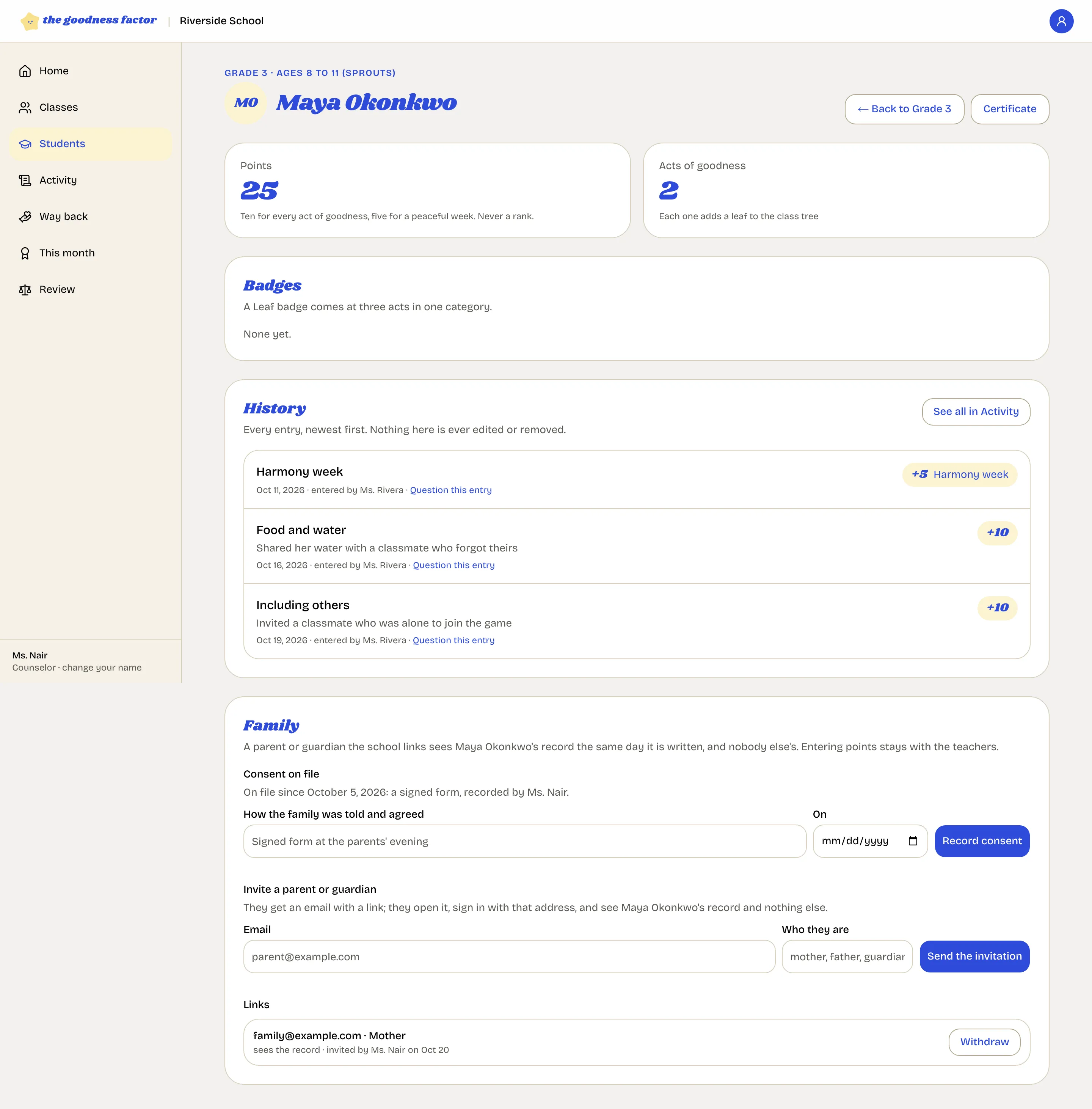
Invite a parent or guardian
In the same section:
- Email: the address the parent will sign in with. It must be the same address; the link works for no other.
- Who they are: mother, father, guardian.
- Send the invitation.
They receive one email with a link, open it, sign in with that address, and see the child's record and nothing else. If they have two children at the school, each child needs an invitation.
What the family sees
Every act, the words the teacher wrote, the points, the peaceful weeks, and any way back as a deduction and its repair. Not your notes on the steps. They can question an entry or raise a concern from their own page; it reaches the board as "A family member". See For families.
Withdraw a link
Next to each link, Withdraw. The family can no longer open the record. Use it when a parent leaves the picture or the address was wrong; a new invitation can always follow.
If the family view is not open
The section says so. Ask the head to turn it on under Settings, School.