
Your invitation
One email from the school, one link, and your email address to sign in. Nothing to install.
The school's counselor or head sends you one email with a link to your child's record. Open it, sign in with the same email address, and you are in. There is nothing to install and no password to remember.
Step by step
- Open the email from The Goodness Factor. It names the school and your child's first name, and nothing from the record.
- Open the link. It takes you to goodnessfactor.com.
- Sign in with the same email address the invitation was sent to. A code arrives by email; type it in.
- Accept the invitation. One button. Opening the link alone changes nothing; the link is claimed only when you say so, with the address you signed in with.
- You see your child. Your children are listed; open one for the record.
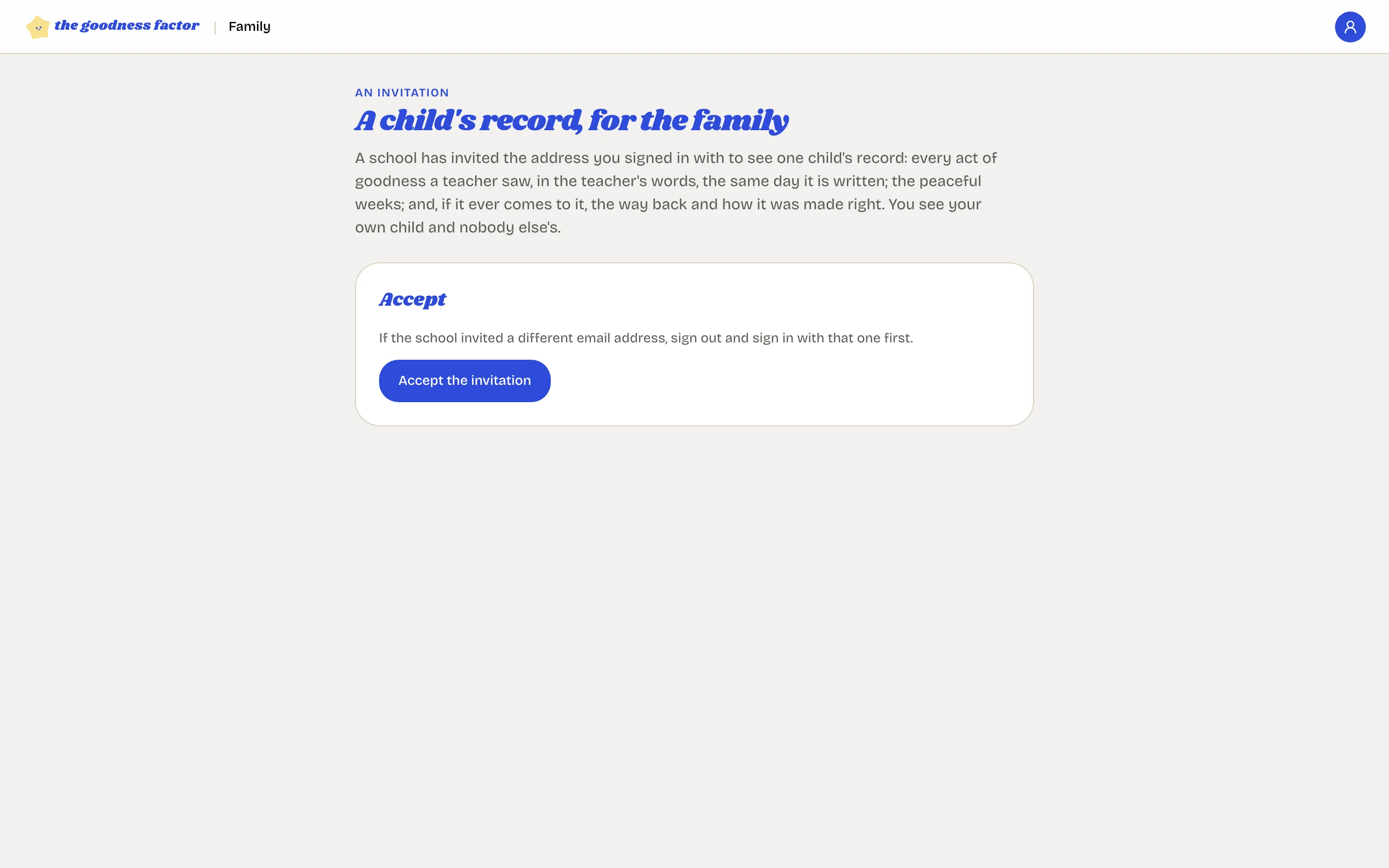
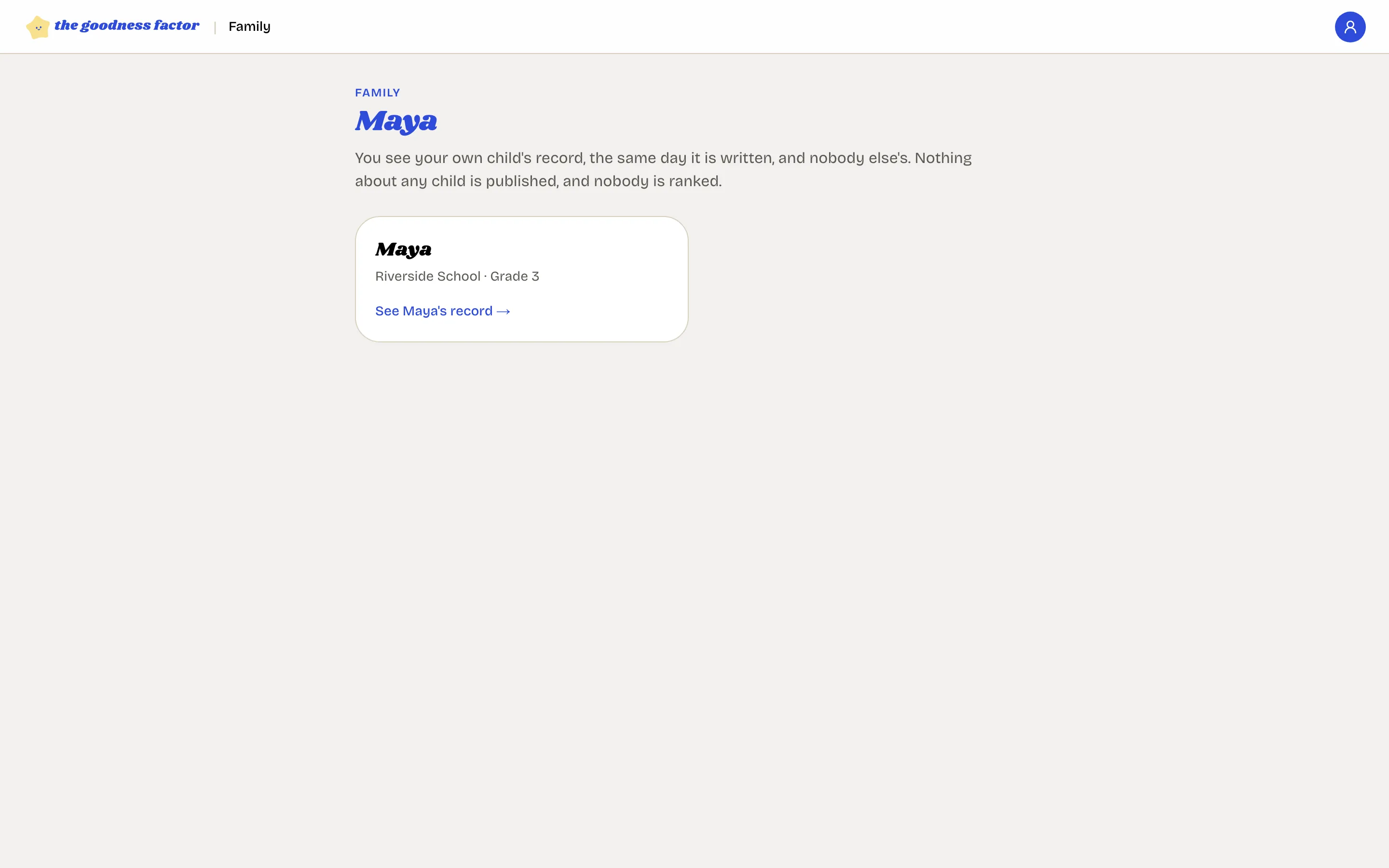
Two children at the school
You receive one invitation for each, and both appear on your page after you have opened both links.
It must be the same address
The link works only for the email address it was sent to. If the school sent it to the wrong address, ask the counselor to withdraw it and send a new one.
Before you can see the record
Two things the school does first: the head opens the family view for the school, and the counselor records that you were told what is recorded and who sees it. If the page says the view is not open yet, the school is still on one of those steps.
On a phone
Add goodnessfactor.com to your home screen from the browser's share or menu button, and it opens like an app.