
Settings
Your school's name and clock, the program options, the kinds of deduction, your own acts, the integrity check and the review board.
Settings has five tabs. Only an admin sees it.
School
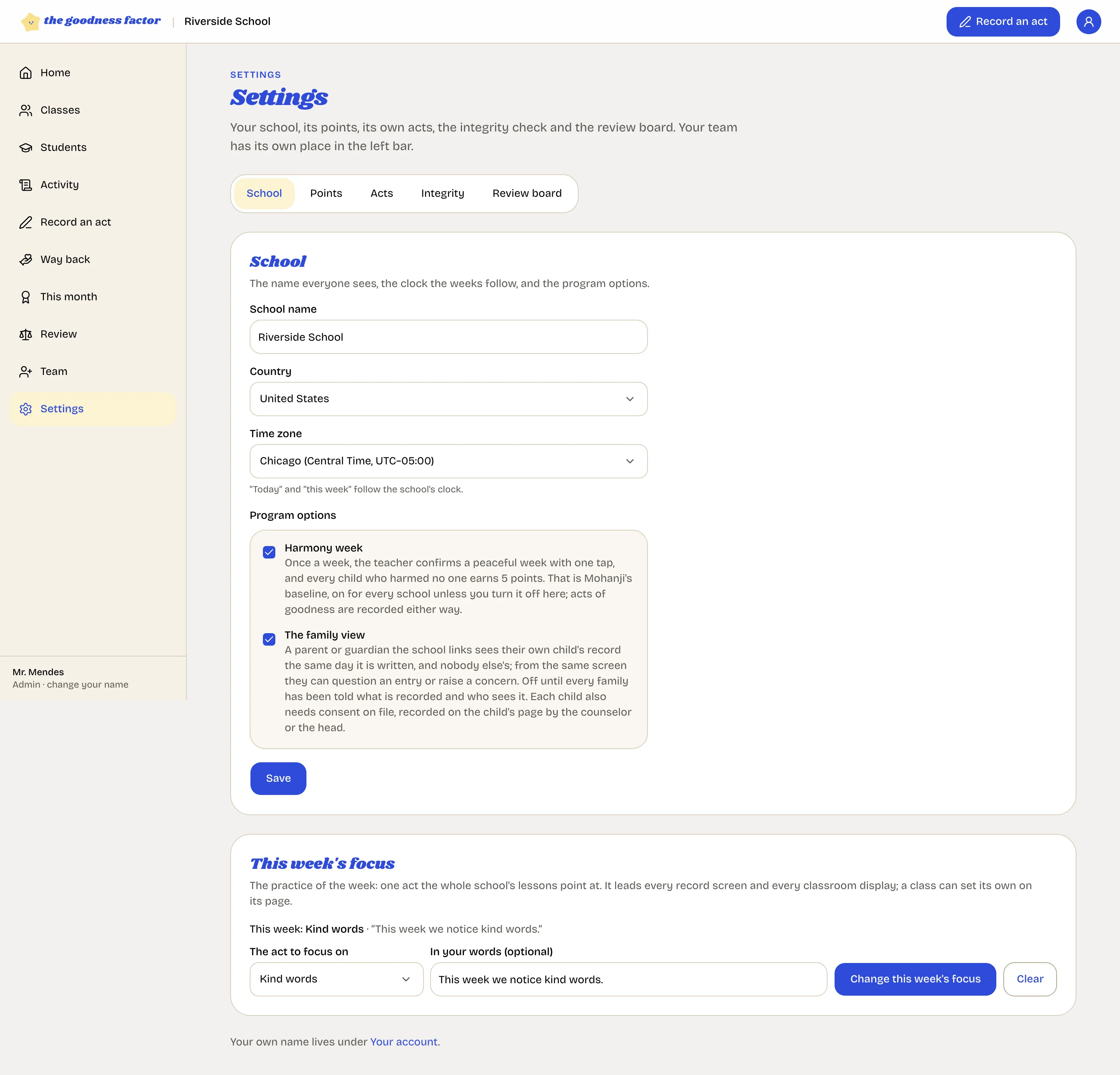
- School name. On every screen and every certificate.
- Country and time zone. The clock the weeks follow: "today" and "this week" are the school's, and the peaceful week opens on Friday in your time.
- Harmony week. The peaceful week, on or off for the whole school. Some schools begin with acts of goodness alone and add it after a few weeks.
- The family view. Off until you turn it on. Once on, the counselor or the head can record consent for a child and invite the family. See Families and consent.
Points
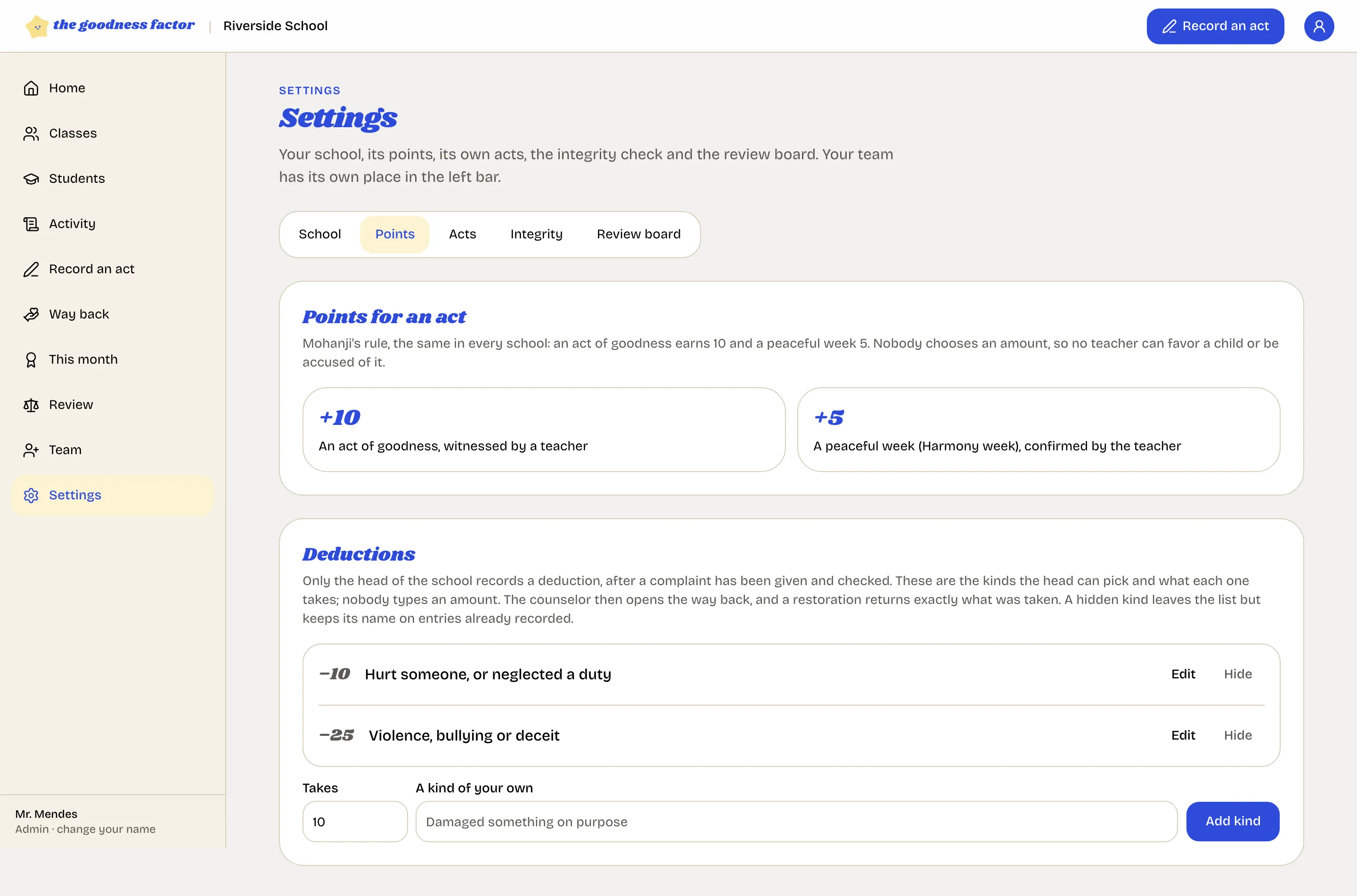
The amounts are Mohanji's and cannot be changed: ten for an act of goodness, five for a peaceful week. Under Deductions are the kinds the head can pick from and what each one takes: hurt someone or neglected a duty (minus ten) and violence, bullying or deceit (minus twenty-five). Rename one, add a kind of your own, or hide one you never use; a hidden kind keeps its name on past entries. See Deductions.
Acts
Mohanji's acts of goodness are always there. Add your school's own under a kind of goodness and they appear in every teacher's record screen. See Your school's own acts.
Integrity
Run the check over every entry, and find your school's public verification page. See The record's integrity.
Review board
Name the staff who sit on the board with you. See The review board.