
For teachers
Your account
Your name as students and staff see it, your email notifications, and signing out.
Open your account from the avatar at the top right, or from your name at the bottom of the left bar.
Your name
The name on every entry you make, as students and staff see it: "Ms. Rivera", "Mr. Okafor". Change it here and it changes everywhere, including past entries.
Your notifications
Every email the app can send you, each with its own switch. Turn off what you do not want; nobody else is affected. The switch follows you if you belong to more than one school.
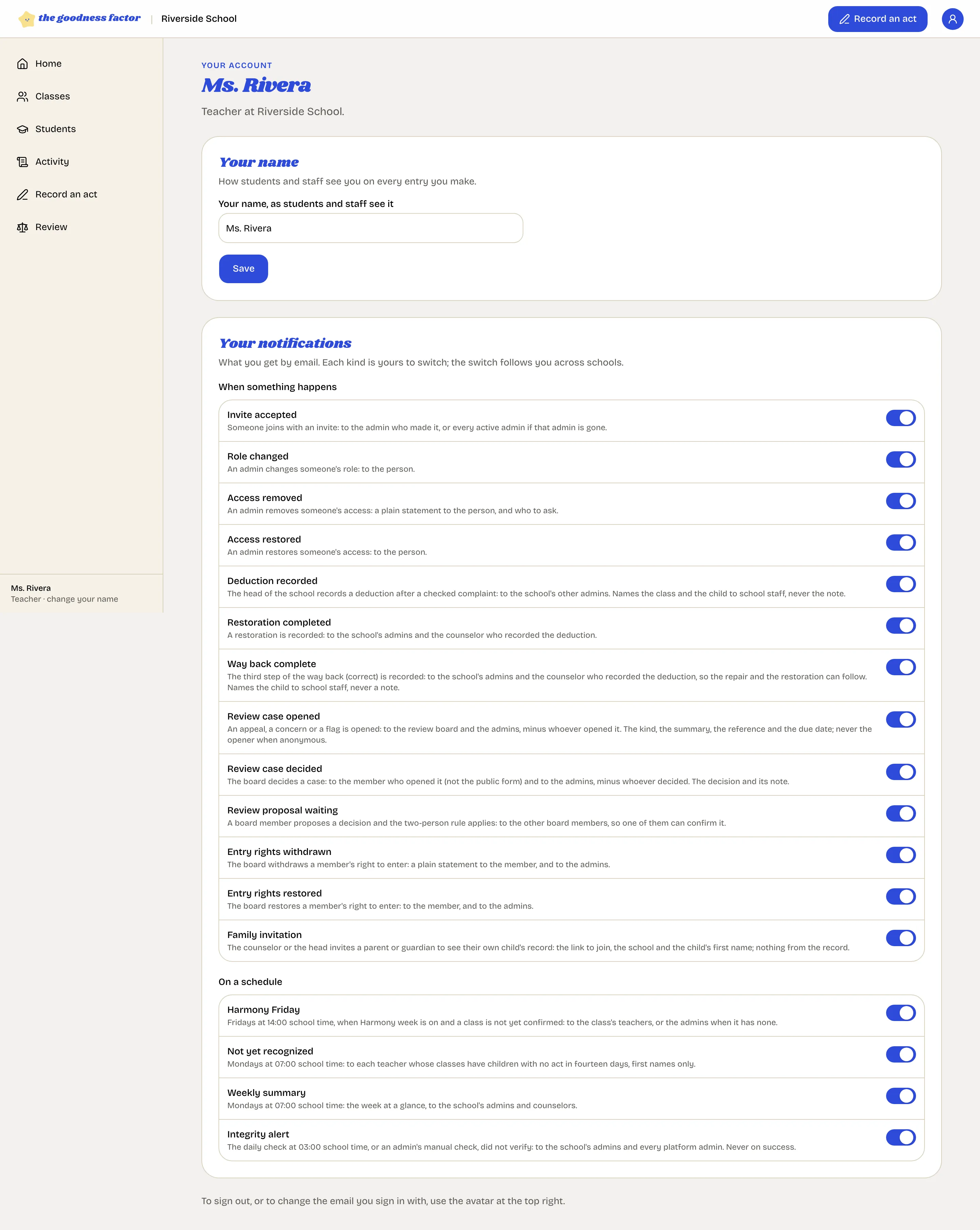
The ones a teacher sees most:
- Harmony Friday: Friday at two in the afternoon, if your class has not confirmed its peaceful week.
- Not yet recognized: Monday morning, the first names of children in your classes with no act in fourteen days.
- Review case decided: when the board answers a case you raised.
The full list is in Emails you can receive.
Signing out, changing your email
Both are in the avatar menu at the top right. Signing in again needs only your email and the code it sends.