
Your team
Invite teachers, the counselor and other admins; change a role; remove access.
Team is where people come in and where their roles live. Children have their own place under Classes.
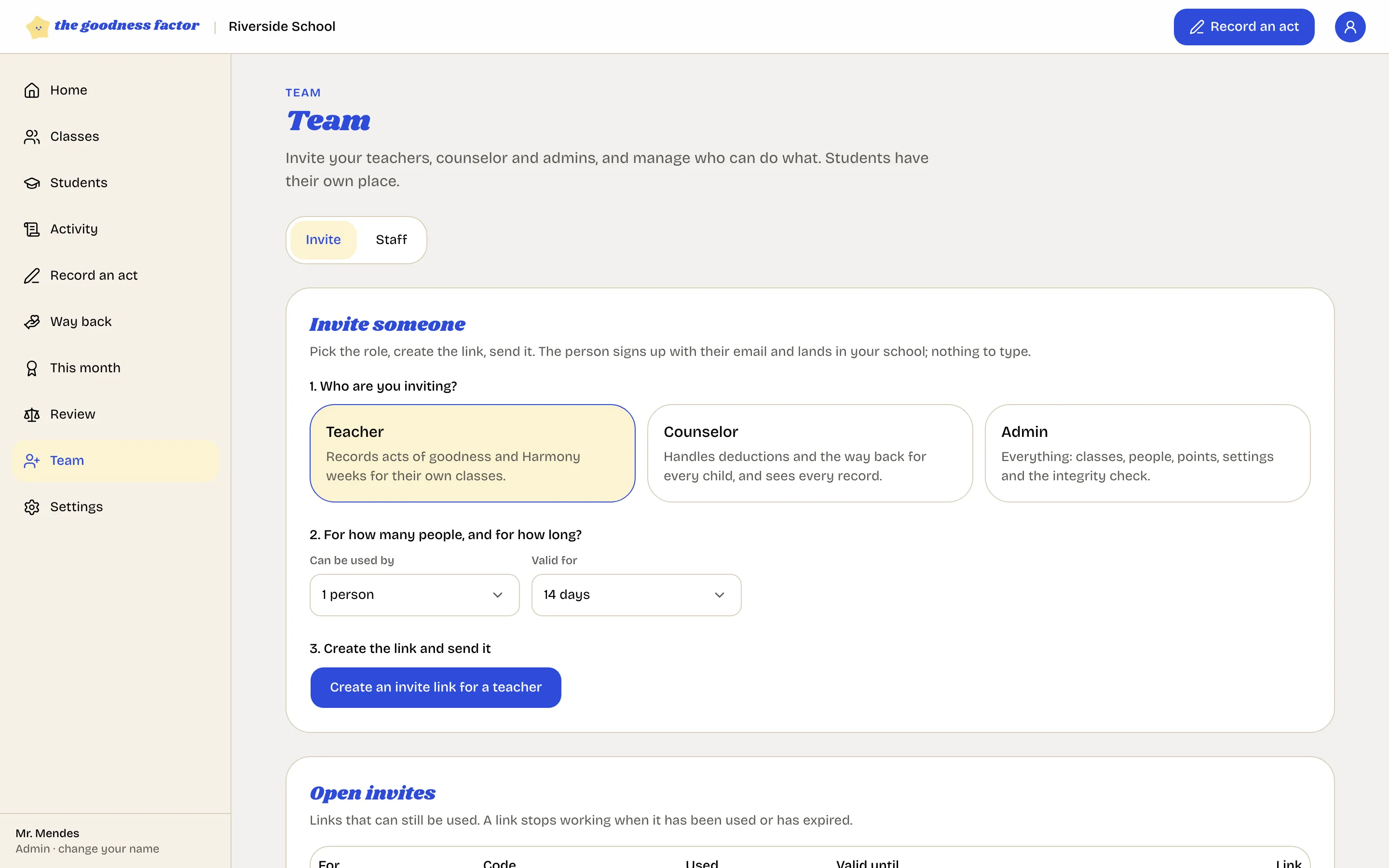
Invite
One link per role: teacher, counselor or admin; for one person or up to twenty-five; valid for seven, fourteen or thirty days. The person opens it, signs in with their email, and lands in your school in that role. Step by step: Invite your team.
Staff
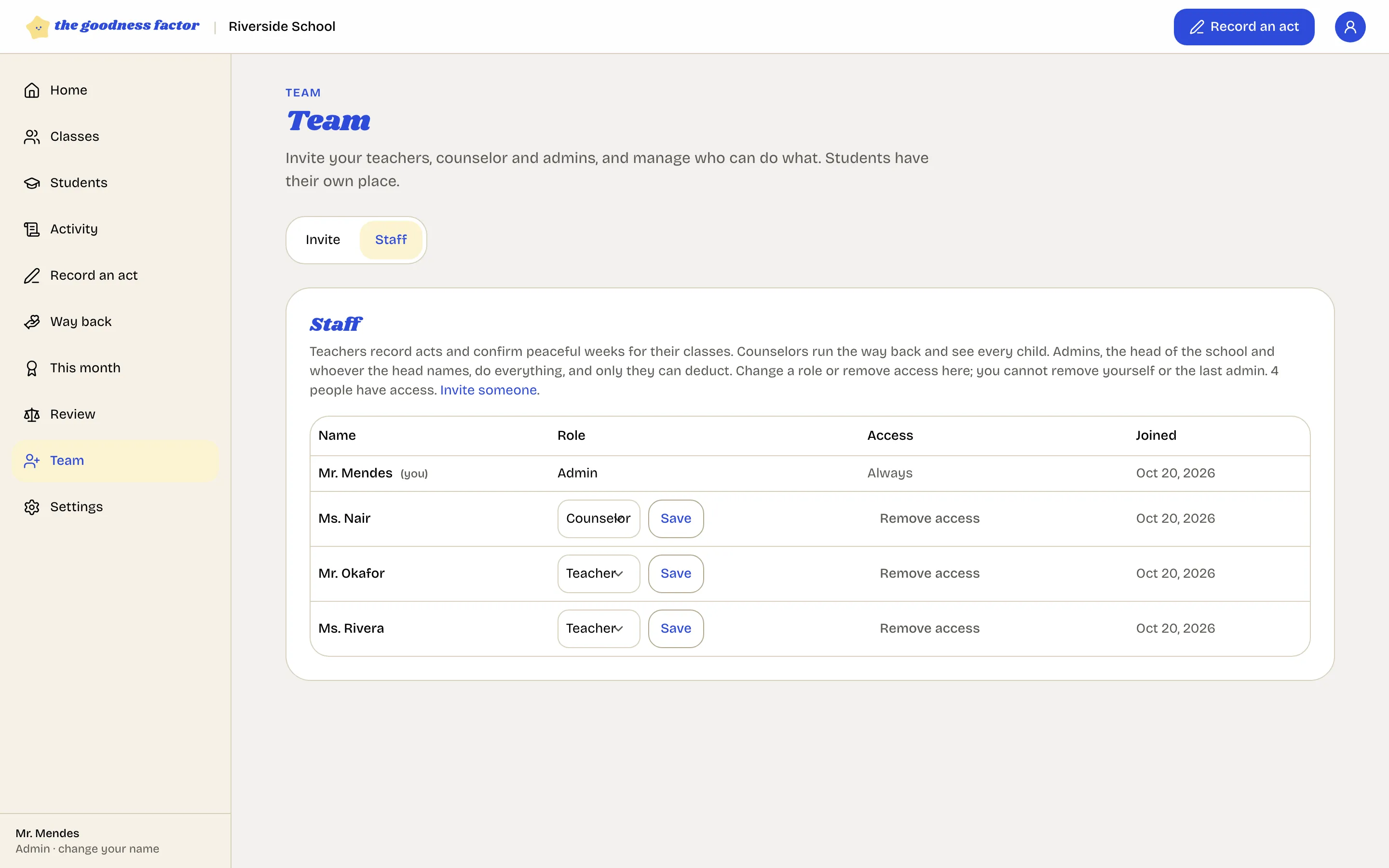
- Change a role. Pick the new role beside the name and Save. The person gets one email.
- Remove access. The person can no longer sign in to this school. Their entries stay in the record with their name, as everything does. Access can be restored later.
- You cannot remove yourself or the last admin.
The roles
| Role | Can |
|---|---|
| Teacher | Record acts and peaceful weeks for their own classes; see their classes' records; raise a case |
| Counselor | Everything about the way back, consent and families; see every record; raise a case |
| Admin | Everything, including deductions, settings, the team and the integrity check |
The full table is in Who can do what.
Assign teachers to classes
On each class page, add the teachers who record for it. A teacher sees only their own classes.
The right to enter
The review board, and only the board, can withdraw a member's right to enter the record. That person can still read, but no longer record. It is for tampering, and it is written into the record as an entry of its own. See The review board.
Your school's own acts
Add acts under any kind of goodness; they appear in every teacher's record screen, worth the same ten points.
The review board
The school's own board answers appeals and concerns within fourteen days, decides whether an entry stands, and holds the only key to a member's right to enter.