
Your home
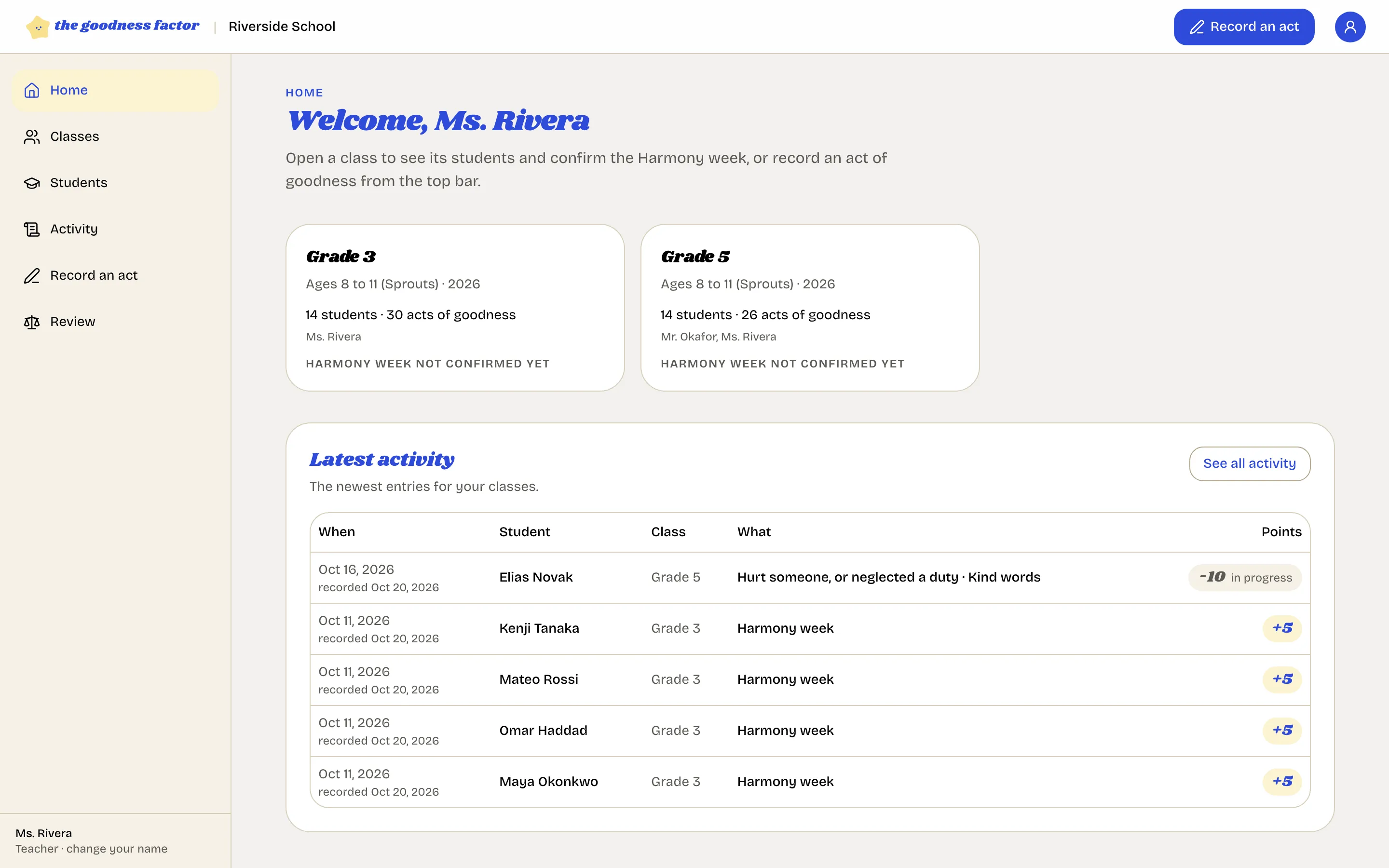
The first screen after you sign in: your classes, this week's status, and the latest entries.
Home is a short page on purpose. It answers two questions: what has been recorded lately, and which of your classes still needs its peaceful week confirmed.
Your classes
Each of your classes is a card: the age band, how many children, how many acts of goodness so far, and a line that says whether this week's peaceful week has been confirmed. Open a card for the class page.
Latest activity
The newest entries for your classes, with the child, the class, what was recorded and the points. "See all activity" opens the full list with filters.
Who has not been noticed
When a child in one of your classes has had no act recorded in fourteen days, you get their first name in an email on Monday morning, and the counselor sees the same names on their home page. It is a nudge, not a judgment: equal criteria for everyone means every child gets seen.
Record an act
The button at the top of every screen. On a phone it is in the top bar and in the tab bar at the bottom. Record an act