
For teachers
Recording with no signal
Record anyway. The entry waits on your phone and is sent the moment you are back online.
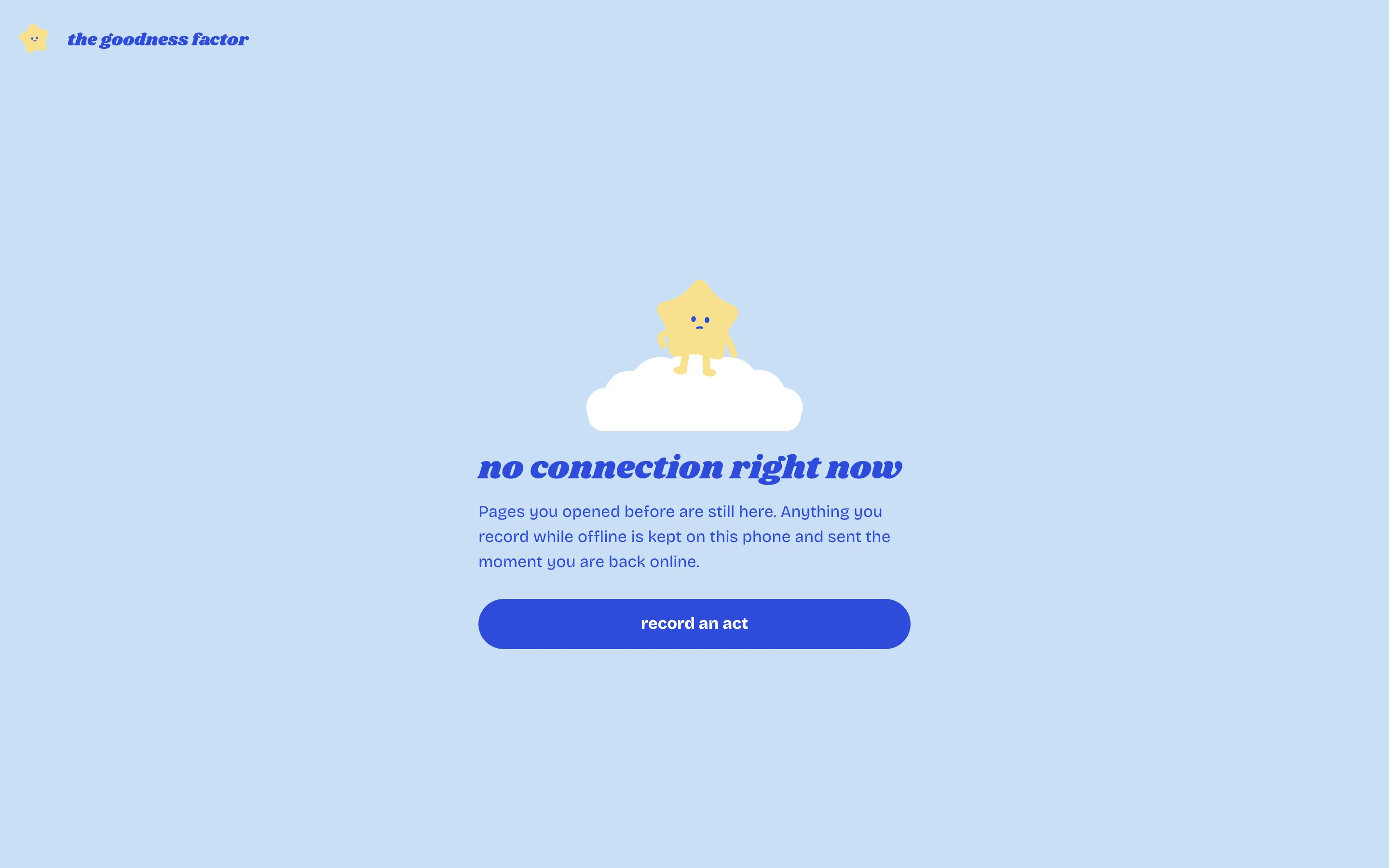
The app keeps working without a connection. Pages you have opened before are still there, and anything you record is kept on your phone and sent as soon as you are online again.
What happens
- You record an act as usual. The app notices there is no connection and keeps the entry on your phone.
- A line at the top of the app says so: "1 act recorded on this phone, waiting to send", with a Send now button.
- When the connection returns, they are sent in order and dated to the moment you recorded them, not the moment they arrived. If the server refuses one, the line says "Could not send" and why.
Each entry is sent exactly once, even if the connection drops in the middle.
Keep the app on your home screen
On a phone, add goodnessfactor.com to your home screen from the browser's share or menu button. It opens like an app and keeps its pages for the days the signal is poor.
What needs a connection
Reading a record you have not opened before, confirming the peaceful week and anything on the review board need a connection. Recording an act does not.